Begin with the wearer and the setting
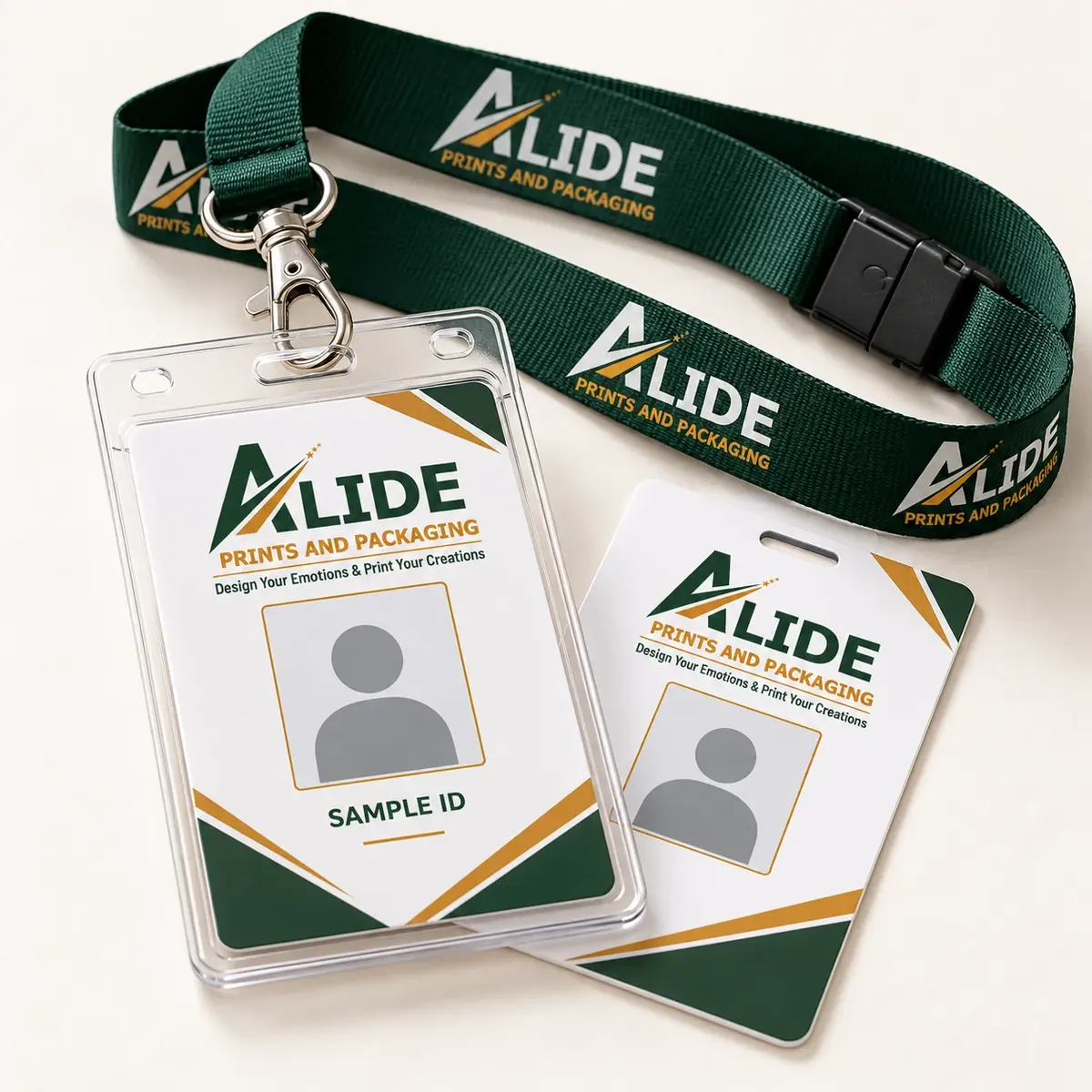
An identity programme is easier to plan when the card, holder and lanyard are treated as one system. Start by listing who will wear it: employees, visitors, students, hospital teams or event delegates. Then describe where it will be used and what someone must recognise at a glance. A reception visitor pass, a permanent staff badge and a conference delegate card do not need an identical information hierarchy. Decide which fields are essential before selecting colours and decorative graphics.
Design for a realistic set of names
Use a clear hierarchy for the person's name, photograph and role or department. Test the design with a long name, a long designation and a photograph that is not perfectly cropped. Those cases reveal layout problems that a short sample name can hide. Keep text away from punch or slot positions and check the design through the proposed holder. A card that looks balanced on screen can become cramped when part of its edge is covered by a clip or sleeve.
Specify the physical components together
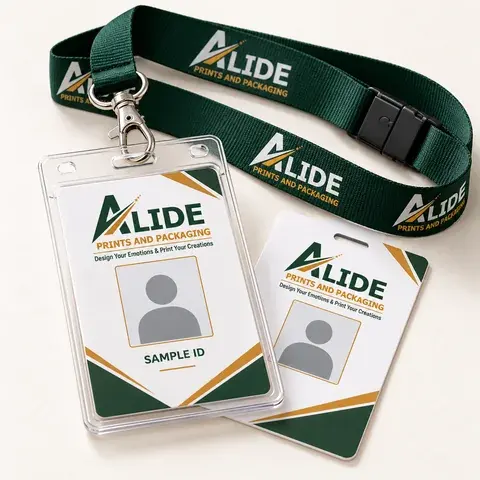
Record portrait or landscape orientation, finished card dimensions, print on one or both sides and any holder requirement. For the lanyard, discuss width, fabric, attachment and the area available for repeat branding. Consider whether a safety-breakaway feature is appropriate to the wearer's environment, with the responsible organisation assessing suitability. Avoid choosing a clip solely from a photograph: its opening, orientation and connection to the holder affect how the badge hangs. Confirm whether accessories are included in the quotation.
Separate visual identity from electronic access
A printed PVC card identifies the wearer visually, but electronic access is a separate requirement. If the card must interact with an existing reader, provide the relevant technical specification for compatibility review. Do not describe a standard printed card as an access-control solution simply because it has a professional appearance. Likewise, a printed barcode or QR code only represents the data supplied; any verification, membership or attendance system behind it needs its own implementation and testing.
Prepare data and approve a representative proof
Agree a file format for names, departments and image references before sharing personal information. Keep a checked master list and identify which image belongs to each record. Use an agreed secure process and avoid distributing unnecessary personal fields. Request a representative proof containing realistic variations, then review spelling, text size, cropping, colour and attachment clearance. Record the approved version so a late change to a data file does not silently alter the production set.
Send a quotation-ready brief
A useful enquiry includes wearer groups, approximate quantity, dimensions or a size reference, variable fields, holder and lanyard requirements, artwork status and destination PIN code. State the date the organisation needs the cards, allowing the team to confirm what is feasible. Ask how replacements or later additions would be handled rather than assuming they will match automatically. Alide can discuss the printed components around your brief; material availability, samples and the final schedule belong in the written quotation.
Turn the guide into a clearer brief.
Share the format, quantity, artwork status, intended use and destination PIN. Material suitability, pricing and schedule are confirmed in the quotation.
Discuss your requirement