
Coordinate the identity, not every layout
Business print looks more organised when the logo, contact details and typography follow an agreed system. That does not mean an invoice book, presentation folder and certificate should use the same layout. Each piece has a different task. Transaction forms need writing space and clear references; folders need a structure that fits documents; certificates need a readable record of recognition. Begin with a shared brand reference, then let the function of each item determine its information hierarchy.
Map the transaction workflow first
For bill books and receipt books, ask who writes the record, which copies go to the customer and which remain with the business. Specify numbering, set count, detachable copies and binding position. Test the form with realistic entries rather than short placeholders. A long item description or several line items can reveal missing space. Provide accountant-approved headings, business details and tax wording where relevant. The printing brief reproduces the approved information; it does not establish accounting or tax compliance by itself.
Design folders around real inserts
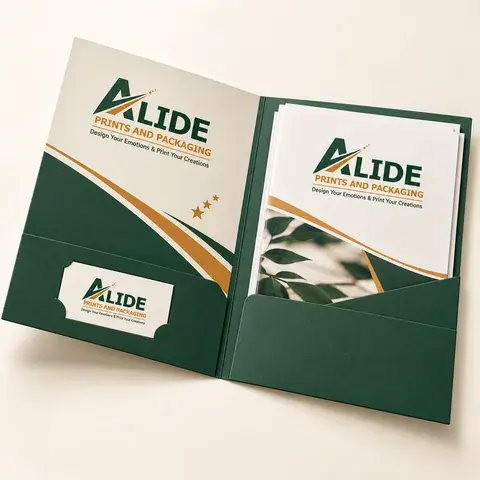
A presentation folder is easiest to assess with the intended documents inside. List the largest sheet, the number of pages and the thickness of any catalogue or booklet. Check the pocket depth, spine or gusset allowance and business-card slot. A flat mockup may hide the fact that a pocket covers a key part of the insert or that the folder becomes difficult to close. Agree a structural sample before positioning final artwork around folds, cuts and glue areas.
Keep certificates readable and authorised
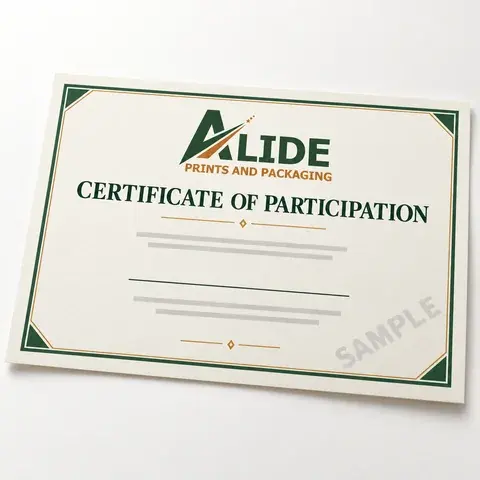
A recognition certificate should make the recipient, achievement and issuing organisation easy to identify. Leave room for realistic name lengths and authorised signatures. If serial numbers or QR links are included, state what they refer to and who maintains the underlying record. Printing a code does not itself create verification or accreditation. Check variable data separately from the template, and use only seals or marks the issuing organisation is entitled to reproduce. A simple presentation folder can complete the handover without crowding the certificate.
Approve colour and writing areas carefully
Some parts of a business print kit are meant to be written on after printing. Tell the team which pens or writing process will be used and which areas must remain usable. Automatically laminating every surface can conflict with that purpose. Compare the logo appearance across the chosen paper and board rather than assuming identical colour on different substrates. A representative proof and a written specification provide a stronger reference for reorders than a phone photograph of a finished item.
Create one master brief with separate specifications
Keep one checked business-contact record and attach an individual specification for every product. Include quantity, finished size, paper or board, print faces, numbering or variable data, binding, finish and destination PIN code. State whether samples, assembly or delivery are part of the request. This approach makes comparisons clearer while allowing the stationery items to perform their different jobs. Alide can discuss the coordinated set and confirm pricing, availability and timing once those details are understood.
Turn the guide into a clearer brief.
Share the format, quantity, artwork status, intended use and destination PIN. Material suitability, pricing and schedule are confirmed in the quotation.
Discuss your requirement